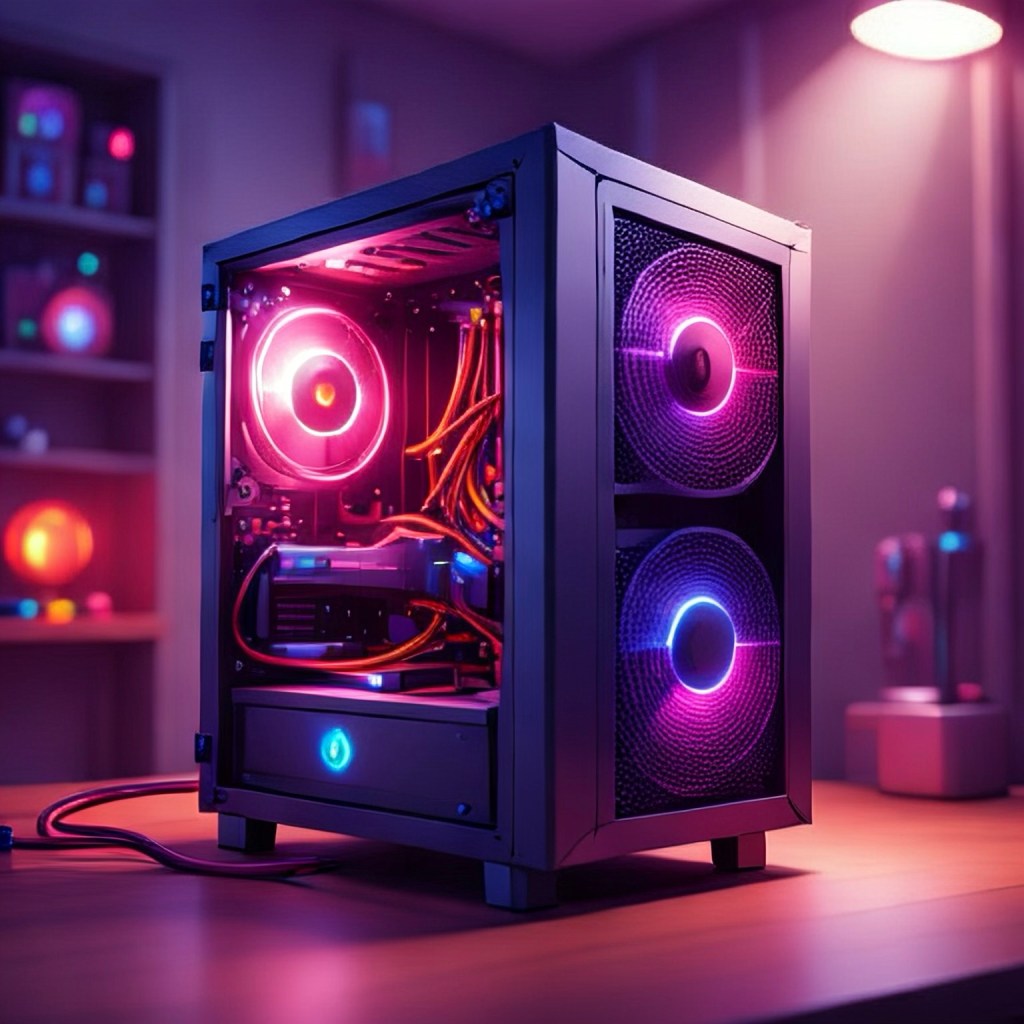
I’ve wanted to build my own gaming PC for years. Never quite sure how much I’d game on it or would I just build a really powerful device that surfed the web and ran Word. Regardless, the building process is tedious, fun, and gives us adults something to focus on other than the family (for just a few minutes). It could also make your dollar stretch a bit farther by focusing on the components/performance that you want most. Lastly, when building your own PC, it is a labor of love that’s upgradeable for years to come.
So, here’s the rundown in an easy format. Before we go any further, it’s important to have a reference site nearby to check for compatibility. I always use http://pcpartpicker.com to ensure I’m staying within the guardrails of the equipment I’m dealing with.
Why Build Instead of Buy?
If you’re trying to stretch your dollar (and most of us are), building your own gaming PC simply makes more sense.
Prebuilt systems often:
Use lower-quality power supplies Cut corners on motherboards Include slow RAM Charge a $200–$400 convenience premium
When you build your own, you:
Control every component Get better performance per dollar Make future upgrades easy Avoid paying for things you don’t need
As a casual gaming dad, the biggest win is this: you build it once, then upgrade parts over time instead of replacing the entire machine.
That’s long-term value.
The Parts You Actually Need (And Where to Spend Your Money)
You don’t need the most expensive parts. You need balanced parts.
Here’s where your money should go — and where you can save.
CPU (The Brain)
For a budget-focused build, you don’t need a flagship processor.
Best Budget Picks (2026):
AMD Ryzen 5 7600
Intel i5-13400
Both are:
More than powerful enough for modern games Efficient Great for multitasking Affordable
Dad Advice:
Don’t overspend here. Gaming performance is far more dependent on your GPU.
GPU (The Most Important Part)
If you’re building a gaming PC, this is where your money should go.
For most practical gamers:
Best Budget 1080p Options:
AMD RX 7600
NVIDIA RTX 4060
These will:
Handle modern games smoothly Run high settings at 1080p Deliver solid 60–144 FPS depending on the title
If you want a little more headroom for future games:
Smart Stretch Option:
RX 7700 XT
RTX 4070 (if you find a deal)
Practical Dad Rule:
Spend 35–45% of your total budget on your GPU. That’s where gaming performance lives.
RAM (Memory)
This one is simple.
Sweet Spot Right Now:
32GB DDR5 6000MHz speed
Yes, 16GB can still work.
But 32GB keeps your system smooth for years and prevents needing an early upgrade.
RAM is ridiculously expensive right now— Look to marketplace, verified used options or save your gift cards. But RAM is upgradable and you can start with some slower speeds, depending on the games you’re playing.
Storage (SSD)
Do not build a new PC with a traditional hard drive.
Minimum:
1TB NVMe SSD
Better:
2TB if you play big games (Call of Duty, Battlefield, etc.)
Modern games are huge. Running out of space fast is frustrating and avoidable.
Motherboard (Don’t Overspend Here)
This is where beginners waste money.
You do not need a $300 motherboard.
Look for:
B650 (for AMD builds)
B760 (for Intel builds)
Make sure it has:
At least 2 M.2 slots WiFi if you need it
That’s it. Ignore marketing buzzwords.
Power Supply (Do Not Cheap Out)
This is not the place to save $30.
Look for:
650W–750W 80+ Gold certified Reputable brand (Corsair, Seasonic, EVGA, MSI)
A good power supply protects your investment and lasts through multiple builds.
Think of it like tires on your car — boring but important.
Case (Airflow > Flash)
A good case:
Has front mesh Includes 2–3 fans Isn’t massive
You don’t need a glowing light show unless that’s your thing.
Practical > flashy.
What Should a Budget Gaming PC Cost?
Example Practical Budget Build (1080p Focused)
Here’s what a smart, value-focused build might look like:
CPU: Ryzen 5 7600
GPU: RX 7600 or RTX 4060
RAM: 32GB DDR5 6000
Storage: 1TB NVMe SSD
Motherboard: B650
PSU: 750W
Gold Case: Airflow-focused mid tower
This setup:
Handles modern games easily Leaves upgrade room Doesn’t waste money
And most importantly — it won’t need replacing in two years.
Step-by-Step Build Overview (Simplified)
If this is your first time, here’s the big-picture process:
Install CPU onto motherboard Install RAM Install NVMe SSD Mount motherboard into case Install power supply Install GPU Connect cables Install Windows
Take your time. Watch a couple YouTube walkthroughs. It’s easier than it looks.
Building a PC today is mostly like assembling high-end Lego.
Common Beginner Mistakes (Avoid These)
1. Overspending on CPU
Gaming performance comes from the GPU.
2. Buying a Cheap Power Supply
Bad PSU = potential system instability or failure.
3. Ignoring Airflow
Hot parts = lower performance and shorter lifespan.
4. Forgetting to Enable XMP/EXPO
After building, go into BIOS and enable your RAM’s rated speed.
5. Buying Parts Without Checking Compatibility
Use PCPartPicker before ordering.
Is Building Your Own Gaming PC Worth It?
If you value:
Performance per dollar Upgrade flexibility Learning something new Not overpaying for convenience
Then yes — absolutely.
From a practical dad perspective, building your own gaming PC is not about showing off.
It’s about:
Making a smart purchase Avoiding waste Creating something that lasts
And honestly? It’s a pretty satisfying weekend project.
Frequently Asked Questions About Building a Budget Gaming PC…
Is it cheaper to build your own gaming PC?
In most cases, yes.
Prebuilt systems often include:
Markups for labor Lower-quality power supplies Slower RAM Limited upgrade paths
When you build your own, you choose exactly where your money goes. That usually means better performance per dollar and higher-quality components.
For budget builds especially, building yourself typically saves $200–$400 compared to a similar prebuilt system.
How much does it cost to build a decent gaming PC?
A realistic budget breakdown in 2026 looks like:
$900–$1,100 → Strong 1080p gaming
$1,200–$1,500 → High settings 1080p / Entry 1440p $1,800+ → High refresh 1440p performance
For most practical gamers, the $1,200 range offers the best long-term value.
Is building a gaming PC hard for beginners?
Not anymore.
Modern PC parts are designed to fit together easily. There’s no soldering, no special tools, and no advanced technical knowledge required.
If you can:
Follow step-by-step instructions Watch a YouTube walkthrough Take your time
You can build a PC.
It’s more like assembling Lego than doing electrical work.
How long does it take to build a gaming PC?
For a first-time builder, expect:
2–4 hours for assembly 30–60 minutes for Windows installation and updates
Take your time. Rushing is how mistakes happen.
What is the most important part of a gaming PC?
The graphics card (GPU).
For gaming performance:
The GPU matters most The CPU matters second RAM and storage support everything else
If you’re building on a budget, prioritize your GPU first.
Should I get 16GB or 32GB of RAM for gaming?
In 2026, 32GB is the smarter long-term choice.
While 16GB can still run most games, newer titles are using more memory. If you want your PC to last several years without upgrading, 32GB DDR5 is the sweet spot.
It’s one of those “do it once, do it right” decisions.
How much power supply wattage do I need?
For most budget to mid-range gaming builds:
650W–750W is ideal 80+ Gold certification recommended
Do not cheap out here. A quality power supply protects every other part in your system.
Can I upgrade my gaming PC later?
Yes — and that’s one of the biggest advantages of building your own.
You can upgrade:
GPU RAM Storage Even CPU (depending on motherboard compatibility)
That’s why choosing a solid motherboard and power supply from the start matters.
Do I need WiFi on my motherboard?
Only if you’re not using Ethernet.
If your router is nearby, a wired Ethernet connection is:
Faster More stable Lower latency for gaming
If running a cable isn’t practical, choose a motherboard with built-in WiFi to avoid buying an adapter later.
Is a prebuilt gaming PC ever worth it?
Sometimes — if:
It’s on deep sale You don’t want to build You value convenience over customization
But for value-focused buyers, building your own typically gives you better components for the price.
 Practical Dad tech.com
Leave a comment